March '26
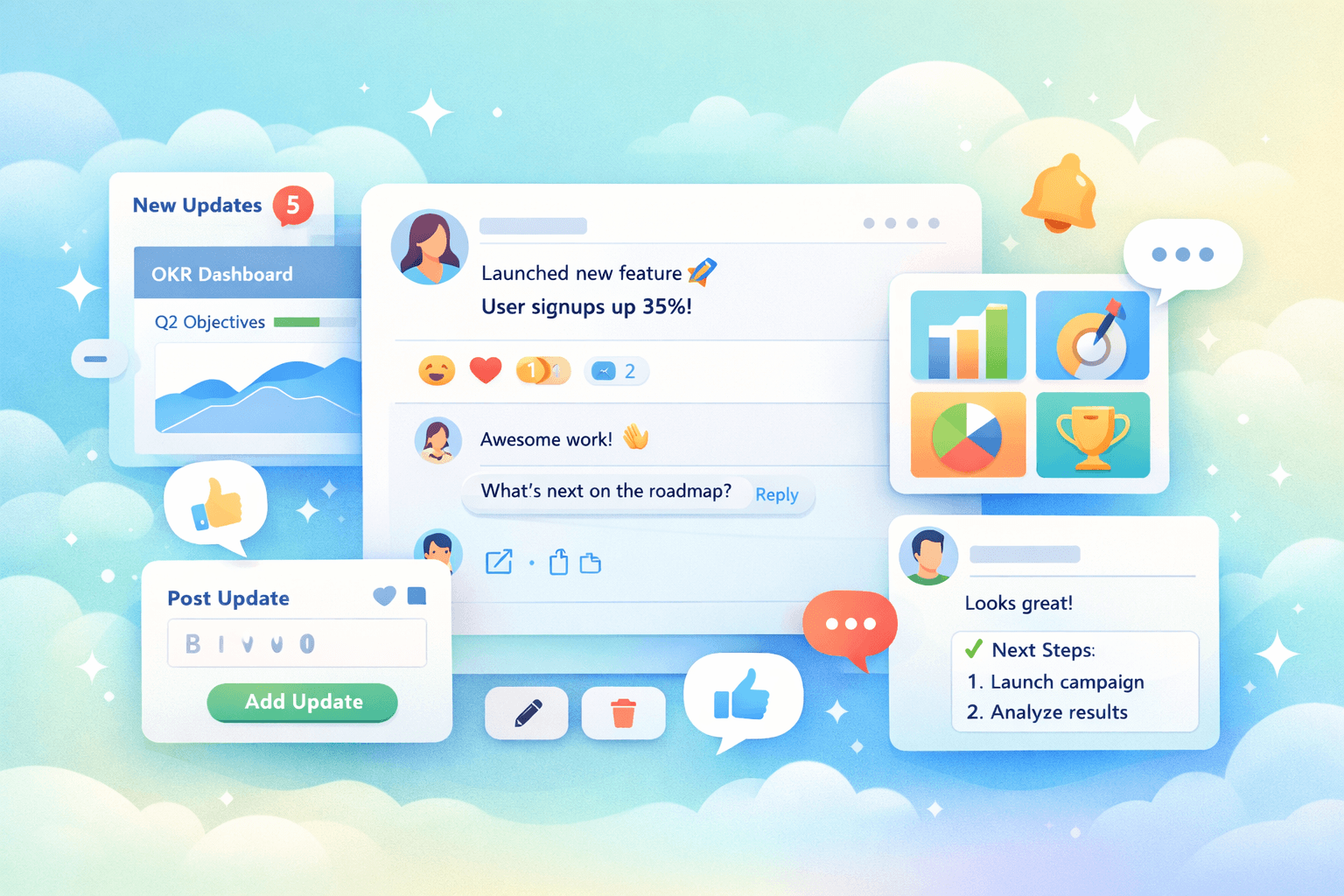
Activity Feed 2.0: Make OKRs part of the culture
You set OKRs at the start of the quarter and get alignment in the room. Then the work moves back to Slack, Jira, and meetings, and the goals slowly fade into the background. Updates come through slides or status meetings, which means leaders see progress late and teams lose the link between what they do each day and the outcomes they agreed to drive.
This release changes that by giving you a feed that people actually use. It brings updates, context, and conversation into one place so progress stays visible during the week, not just at review time.
You get a system that supports real OKR progress tracking, works as a daily OKR dashboard, and behaves like an OKR platform your team will keep open: which means your OKRs stay front-of-mind for everyone, and you achieve more.
What changed
We rebuilt the activity feed so it feels familiar and easy to use. You open the app and see what is new since your last visit, scroll through recent updates, and interact with your colleagues in a fun way.
Emoji reactions
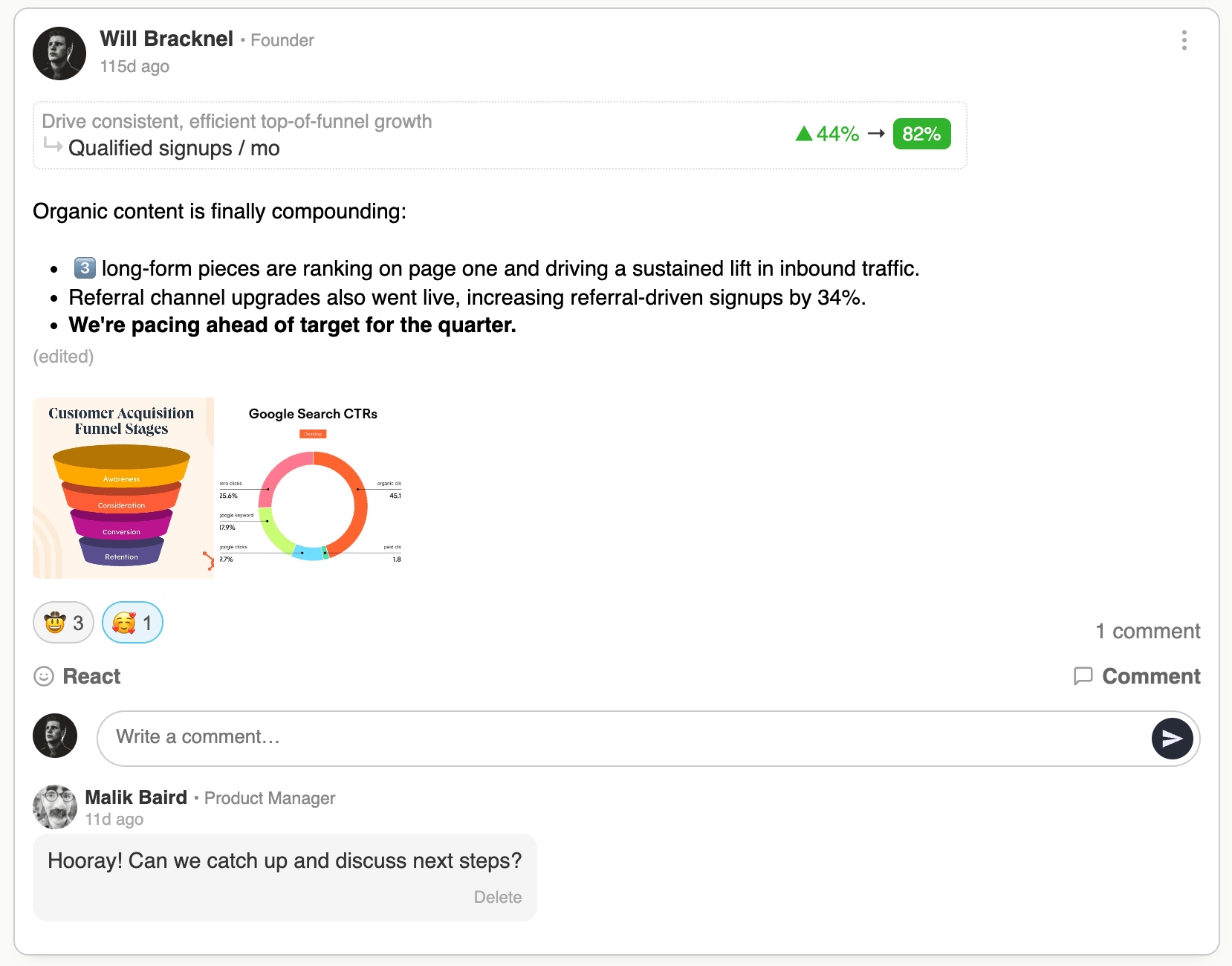
When someone posts a check-in, you can acknowledge it with a reaction in a second. This gives the author quick feedback and helps everyone see where progress is happening. It also replaces a lot of “got it” messages and quick pings that would otherwise happen elsewhere.
Comments with notifications
If you've got something to say, you can ask a question or add context directly on a check-in. The author gets notified straight away and can reply in the same thread. This keeps the conversation tied to the work, so anyone can read it later and understand what changed or what needs attention.
Images on check-ins
You can attach up to four images to a check-in. Teams use this for charts, dashboards, screenshots, and customer feedback. It adds evidence to the update and makes it easier to understand progress without chasing links.
Rich text formatting
You can format your updates with bold text, lists, quotes, and simple structure. This helps you highlight key numbers, separate actions, and make updates easier to scan. It removes the need to write updates elsewhere and paste them in.
Edit and delete
Things often change, so you can edit or delete a check-in after posting. This keeps the feed accurate and lowers the pressure to get everything perfect on the first try, which makes people more likely to contribute.
“New” highlighting and counters
There's always lots going on of course, and now you can see which check-ins are new since your last visit, and the main menu shows how many new updates are waiting. This makes it easy to catch up quickly and builds the habit of checking the feed regularly.
How to use it
Open the app and start with the feed (we now redirect straight to the feed as the new homepage after you login).
Scan the new items at the top, filter to anything relevant to your team or goals, and click the O or KR links to dive deep where you need to. React to updates where you see progress, and leave a comment if you have a question or can help. When you post your own check-in, keep it short, include one or two key numbers, and add an image if it adds clarity. Use formatting to make the important parts easy to see.
Most teams do this once a week, but many end up using it more often because it takes very little time.
Leaders follow the same flow. They scroll through updates, look for patterns, and step in early when something looks off. They no longer need to wait for a formal review to understand what is going on.
What this fixes
Set-and-forget goals: The feed creates a regular habit, so OKRs stay visible throughout the quarter instead of disappearing after planning.
Poor leadership visibility: Leaders can see real progress across teams without pulling together reports or asking for updates.
Employee disengagement: Updates feel lightweight and social, so people are more likely to participate and stay connected to the goals.
Performative progress updates: Updates include context, evidence, and discussion, which makes them more accurate and useful.
Strategy disconnect: Each check-in ties back to an OKR, so daily work stays connected to company priorities.
This is what a practical OKR tracking tool looks like when teams use it day to day.
Why this matters
A good OKR system depends on what people do during the week, not what they write during planning. When updates are easy to share and easy to read, people stay engaged and leaders can act earlier. You spend less time collecting status and more time improving outcomes.
Most OKR software tools stick to OKR management and tracking. Many get distracted by other features that feel relevant but really just bloat the software and distract from the core purpose, such as individual employee performance management, or detailed task tracking. Successfull business have a hyper focus on their OKRs, and only their OKRs. This social activity feed creates that focus for you. For better OKRs from the start, try AI-powered suggestions.
Try it
Open the feed and post your next check-in. Add a key metric, a short update, and a screenshot if it helps. React to a few updates from other teams and leave a comment where you can add value.
If you are new to OKR Dash, you can get started in minutes and run your next cycle with a system your team will actually use.