April '26
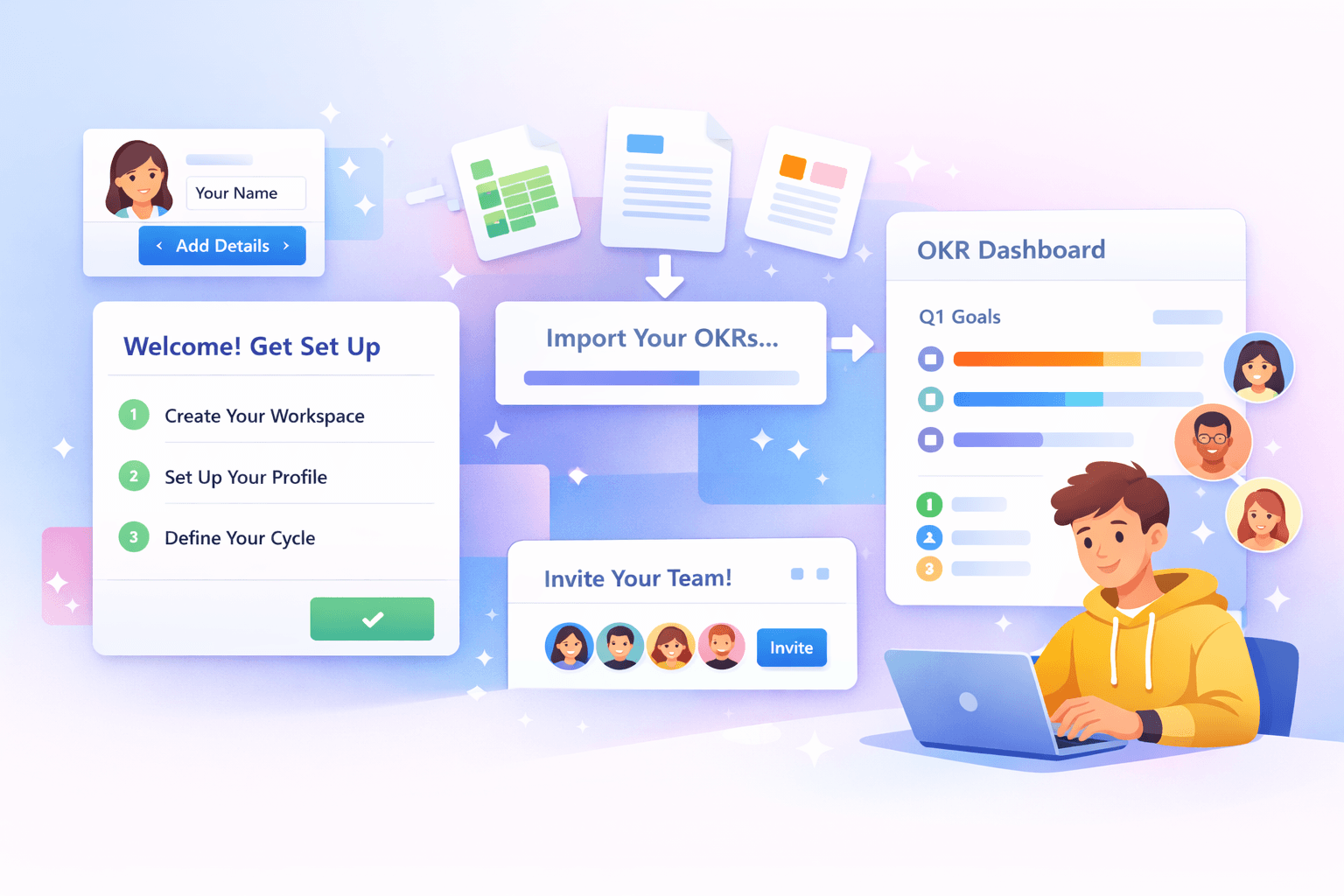
New: Onboarding Wizard That Gets You Running in Minutes
It’s easy to lose momentum when setting up a new OKR tool. You start with good intentions, but days spent on setup or copying spreadsheets can slow everyone down. Updates get delayed, leaders lose interest, and the system never really takes off.
Most tools treat setup as admin work, not as the first step to building a habit. We wanted to change that.
Our new Onboarding Wizard helps you get your company, team, and OKRs live in just minutes. You can move from scattered docs to a working OKR system quickly, so your team can start using it right away.
From Setup Overhead to Immediate Use
Switching to new OKR software often feels like a big job. Even if you know your current setup isn’t working, rebuilding everything can seem slow and risky.
We designed the onboarding flow to make switching easy.
Instead of a blank screen, you start by setting up just the basics. Then you bring in your existing work. The result? A live OKR platform with real data, owners, and context from day one.
Set Up Your Company in Minutes
When you first enter the app, the wizard walks you through the essentials:
- Create your company workspace
- Set up your profile
- Define your first cycles
Each step is quick and focused. There’s no need to worry about structure or edge cases right away. You just get the basics in place so your team has somewhere to start.
By the end, you have a usable environment ready to go.
Bring Your Existing OKRs With You
Once your workspace is set up, the wizard helps you bring in your existing work.
Upload whatever you have. Don't bother reformatting it. Spreadsheets, docs, slides, PDFs, even screenshots. The system automagically processes your data and turns it into structured OKRs:
- Objectives and key results extracted and grouped correctly
- Users and teams assigned automatically
You move from static files to a working OKR tracking software setup in minutes. There’s no need to retype or rebuild anything.
Migration doesn’t have to be a project of its own. Here, it’s just another step.
Get Everyone Into the Same System
After import, you can invite your team.
Each person goes through a simple onboarding flow:
- Set up their profile
- Join the right teams
- Access the OKRs they own or contribute to
If someone already has an account, they sign in and land right where they need to be. New users just create a password and get started.
When people see their work already assigned, it’s clear what to do next. This helps everyone get engaged from the start.
Built for Real Adoption, Not Just Configuration
Most OKR management software is all about structure. It helps you define goals, but not always use them.
We built this onboarding flow to encourage real use.
We want your team updating, discussing, and reviewing OKRs in the very first session. That’s only possible when setup is fast, migration is automatic, and context is clear.
The wizard takes care of the heavy lifting so you can focus on running the quarter.
Start Your Cycle Today
If your OKRs are in spreadsheets or scattered docs, you’ve already done the hard part. Now you just need a system that makes them usable.
The new onboarding wizard gets you there in minutes.
Create your workspace, import your data, invite your team, and start running your cadence right away. New to OKRs? Here's how to create them from scratch.