April '26
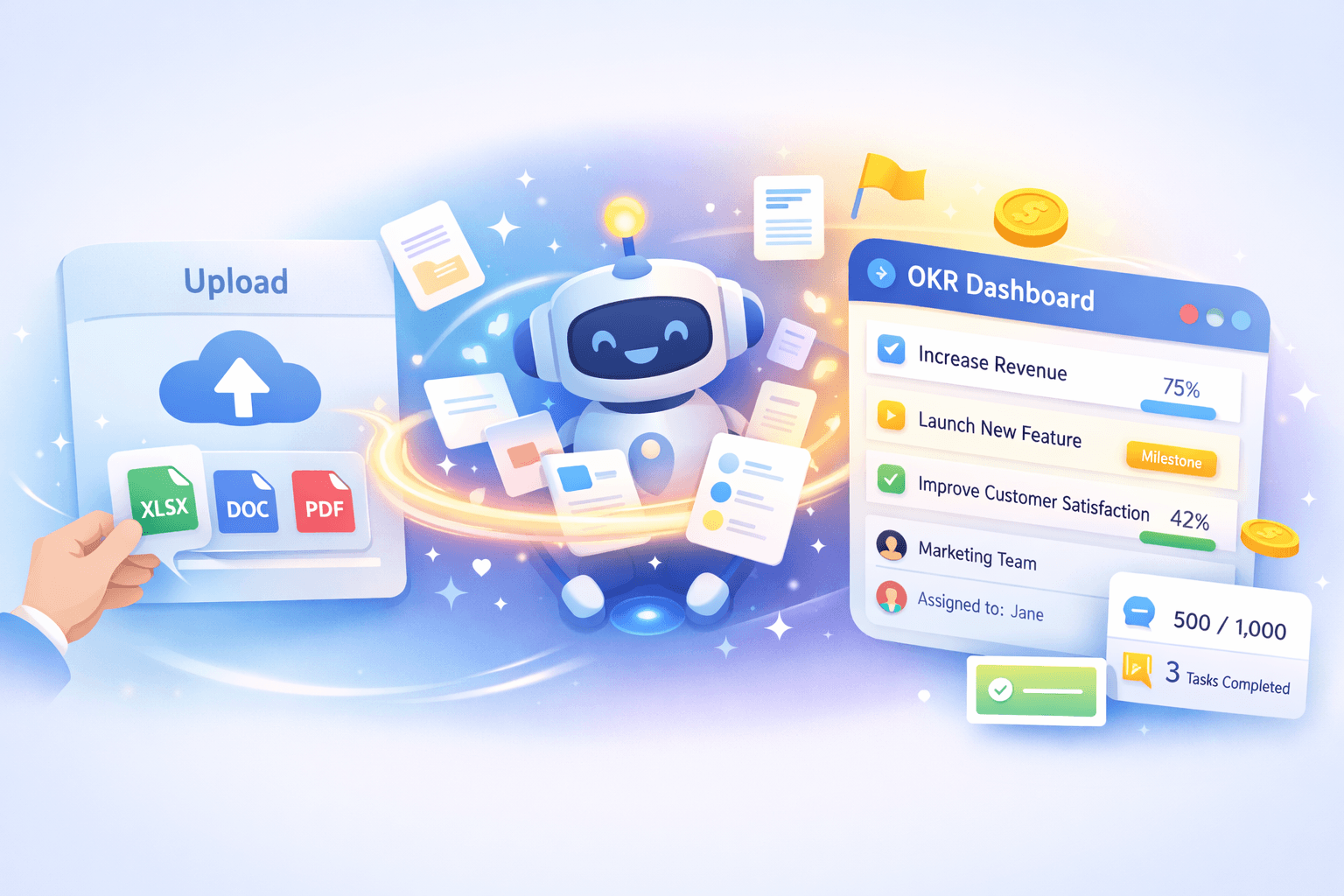
Switch to OKR Dash in 60 seconds with AI powered import
You already have your OKRs. They live in spreadsheets, slides, and docs. You spent time writing them, aligning them, and getting buy-in. Then the quarter starts, and they sit there. People forget where they are, updates drift into Slack threads, and leaders lose a clear view of what is actually happening.
This is where most OKR systems fail. The barrier to getting started again is just high enough that teams fall back into old habits. Copying goals into a new tool feels like admin work, so it gets delayed. By the time everything is set up, momentum is gone.
This release removes that barrier completely.
Import Your OKRs in Minutes
You can now upload your existing OKRs, users, and teams directly into OKR Dash using AI.
Upload a file in XLSX, DOC, PDF, CSV, slides, or image format. The system reads your content and extracts your Objectives, Key Results, users, and teams automatically. You do not need to reformat anything or follow a template.
Within seconds, you will see your OKRs, users, and teams structured and ready to use inside a proper OKR system.
This makes switching from spreadsheets or docs fast enough that you can do it in the same session you decide to try the product.
Clean Structure, Ready to Track
The import does more than just copy text.
The system identifies each Key Result and matches it to a clear type:
- Numeric, with start and target values
- Milestone, for step-based progress
- Delivery, for completion-based outcomes
It also extracts start points and targets, and units where possible. You end up with KRs that you can actually track week to week.
Ownership Mapped Automatically
OKRs without ownership stall quickly. People assume someone else will update them, and progress disappears.
When you import your users and teams, the system uses AI to extract names and entities from your files and creates them in the database. Then, during OKR import, it looks for team names and individual owners in your file and assigns ownership to Objectives and Key Results automatically, wherever a match is found. You can review and adjust this before confirming.
This gives you a clear starting point where every piece of work has someone responsible. You do not need to chase people after setup.
Review Before You Commit
Before anything goes live, you see the full extraction.
You can edit Objectives, refine Key Results, fix ownership, and adjust targets. The system shows you exactly what it found and how it interpreted your data.
This step matters. It keeps you in control while still saving most of the manual effort. You avoid the risk of importing messy or incomplete data, and you start the quarter with confidence in what you are tracking.
Import Into Any Cycle
You can import OKRs into any cycle you choose.
If you are starting a new quarter, you can bring everything in at once and begin with a clean structure. If you are mid-cycle, you can migrate active OKRs and pick up where you left off.
This flexibility makes it practical to adopt OKR Dash at any point, not just during planning.
Why This Changes How Teams Start
Most teams do not fail at writing OKRs. They fail at operationalising them.
They write goals in one place, track work in another, and report progress somewhere else. Leaders only see a stitched-together version of reality, usually too late to act.
Now there's no friction at the point where teams decide to take OKRs seriously during the quarter.
- You keep the work you have already done
- You move it into a system built for regular use
- You make alignment visible from day one
Now your OKRs are now inside a system designed for regular updates, so they don't get forgotten and leadership can see them easily. And setup can be done in minutes, without hours of manual data entry so there's no pushback from your teams.
Built for Real Teams, Not Templates
You do not need to change how you write OKRs just to use the tool.
Upload what you already have—OKRs, users, teams, in any common format—let our system do the heavy lifting, and then refine it in a structured environment. From there, your team can check in weekly, track real progress, and keep goals connected to daily work.
This is what an OKR platform should do. It should meet you where you are and move you forward quickly.
Get Started
Upload your current OKRs, users, and teams and see them come to life in minutes.
Create your workspace and try it now. Or learn how to create OKRs from scratch.