February '26
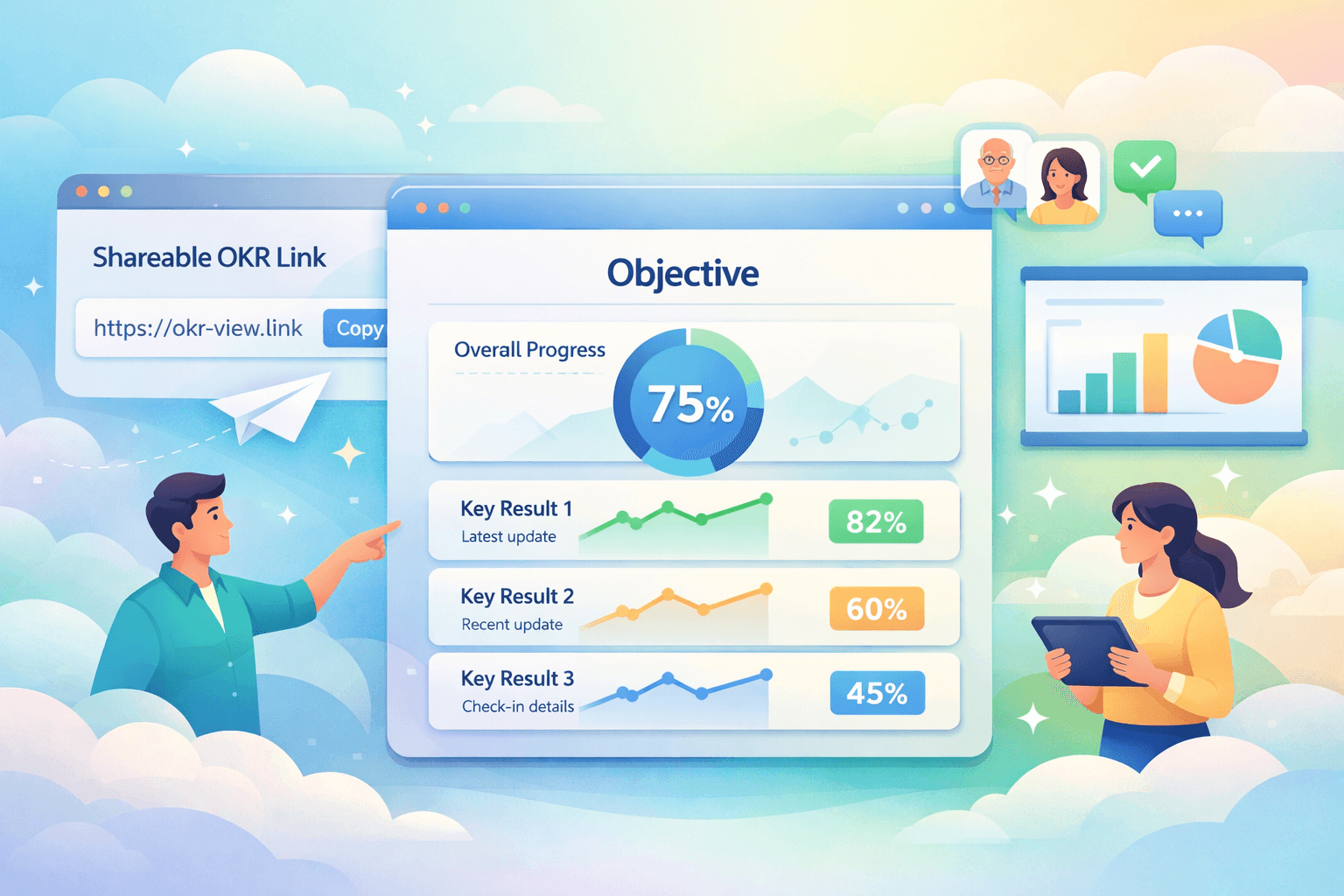
Presentation View for OKRs
One of the most common problems with OKRs is surprisingly simple.
People cannot easily see what is happening.
Objectives get written during planning. Teams agree on key results. Everyone leaves the workshop feeling aligned.
Then the quarter starts.
Updates end up scattered across documents, spreadsheets, slide decks, and meeting notes. Leadership hears about progress through filtered summaries. Stakeholders only see information when someone prepares a presentation.
By the time problems surface, it is often too late to respond.
This is one of the core reasons OKRs drift into set-and-forget goals and why leadership visibility breaks down. When access to progress depends on manual reporting, OKRs slowly stop being part of everyday work.
Today we are excited to introduce a feature designed to fix exactly that.
Introducing Presentation View
We have shipped Presentation View, a new way to share and display an individual OKR.
Presentation View creates a public, shareable page for any OKR in your workspace. Think of it as a mini OKR dashboard dedicated to a single objective.
This dramatically improves transparency while keeping the experience simple and frictionless.
If you are searching for an OKR tracking software or OKR management tool that makes progress visible without creating more process overhead, this feature is designed exactly for that.
A focused view of the objective
Presentation View strips away the noise and shows only what matters.
When someone opens the page they see:
- The Objective and its Key Results
- Overall progress toward the objective
- Progress charts for each Key Result
- The latest check-in update explaining what changed
- The child OKRs that contribute to the objective
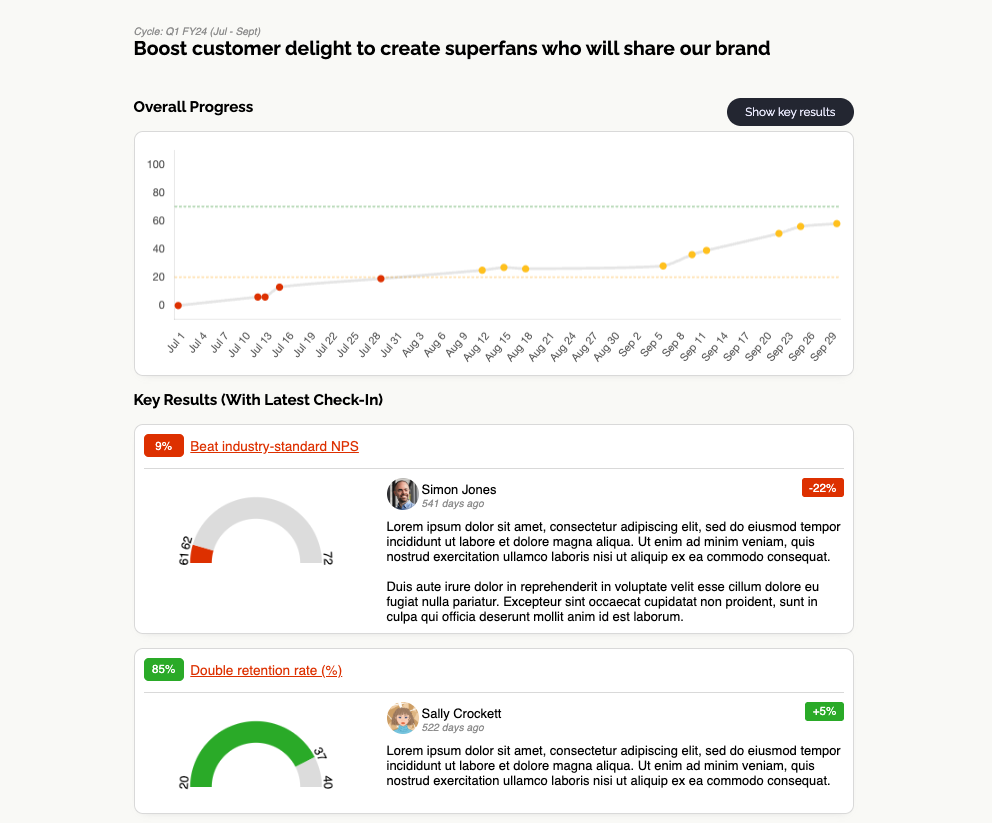
Everything is arranged in a clean visual layout that is easy to understand in seconds.
Instead of reading status reports, stakeholders can see the trend lines and evidence behind the work.
This solves a major visibility problem that many teams experience when using OKRs.
Progress is no longer locked inside internal tools or meeting notes. It becomes transparent and continuously accessible.
Perfect for leadership reviews
Weekly OKR reviews are where alignment either strengthens or falls apart.
Too often these meetings rely on slides or verbal summaries. That creates a lag between what is actually happening and what leadership sees.
Presentation View changes that dynamic.
Because the page updates automatically with every check-in, leadership reviews can now run directly from the live OKR. For broader visibility across all OKRs, try weekly snapshot reporting.
Open the link and immediately see:
- Where progress is trending
- What changed since the last check-in
- Which key results are moving and which are stalled
The layout is intentionally clean and structured, which makes it perfect for screenshots in presentations or displaying during leadership discussions.
Instead of retrospective reporting, the conversation becomes about real-time decisions.
Share OKRs beyond your workspace
Another common challenge with OKRs is that they stay trapped inside internal systems.
People outside the core team often have no easy way to see what is happening.
Presentation View removes that barrier.
Because the page is publicly accessible, you can safely share the link with:
- Senior leadership
- Partner teams
- Project stakeholders
- External clients
This creates a shared understanding of progress without adding administrative work.
For teams using an OKR platform or OKR system, this kind of transparency dramatically improves alignment across the organisation.
Seamless integration with Dashboards
We have also extended the Dashboard experience to make this feature even more powerful.
When viewing an OKR dashboard, you can now simply click on any OKR.
That click opens the Presentation View.
This gives stakeholders a quick way to move from the high-level dashboard into a focused deep dive on the objective they care about.
Dashboards show the big picture.
Presentation View shows the story behind a specific goal.
Together they create a powerful workflow for visibility and alignment.
How to use Presentation View
Using the feature is simple.
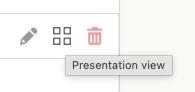
- Navigate to the OKR List view in OKR Dash
- Hover over the OKR you want, and click the Dashboard icon
- The Presentation View will open, and you can copy the URL from your browser
- Share it with anyone who needs visibility
That's it.
The page will automatically update whenever the OKR progresses or receives a new check-in.
No exports.
No slide decks.
No manual reporting.
Just a live view of the objective.
A new way to keep OKRs visible
OKRs work best when they stay present in everyday conversations.
When people can easily see progress, alignment improves, leadership confidence increases, and teams stay focused on the outcomes that matter.
Presentation View is another step toward making OKRs visible, active, and useful throughout the quarter.
If you are looking for OKR software that keeps goals alive instead of letting them drift into quarterly paperwork, OKR Dash was built for exactly that.
Try it today and start sharing your OKRs in a way that keeps everyone aligned.
👉 Get started with OKR Dash: Register now