Execute your strategy with a great OKR process.
Having perfectly written OKRs is only half the battle. You've got to have the right processes and tools in place to make quick decisions to achieve your goals. OKR Dash is the answer.
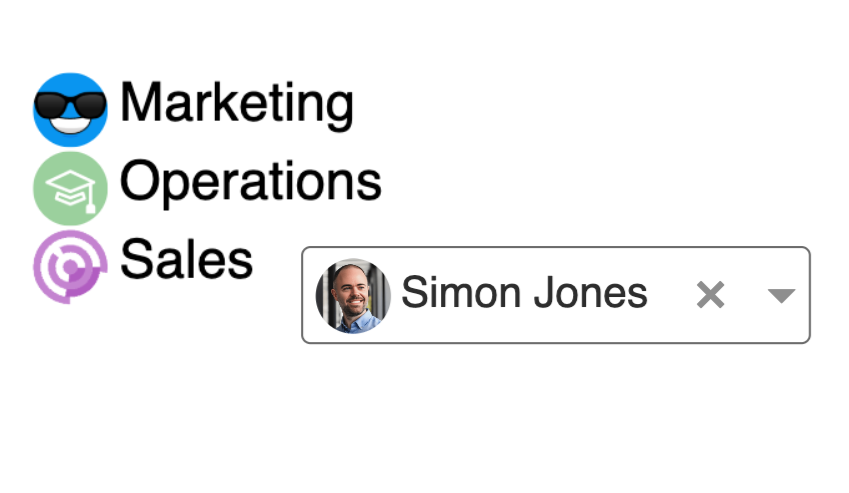
Create a positive accountability culture
Having a named single owner is best practice and significantly increases the changes of success with OKRs.
Our Hierarchy Of Ownership means there's always someone accountable for keeping things moving whether it's a Key Result owner, and Objective owner, a Team member or a Company user.
This means everyone knows who is responsible for what, where to go if they have questions, and can pitch in to help out when needed.
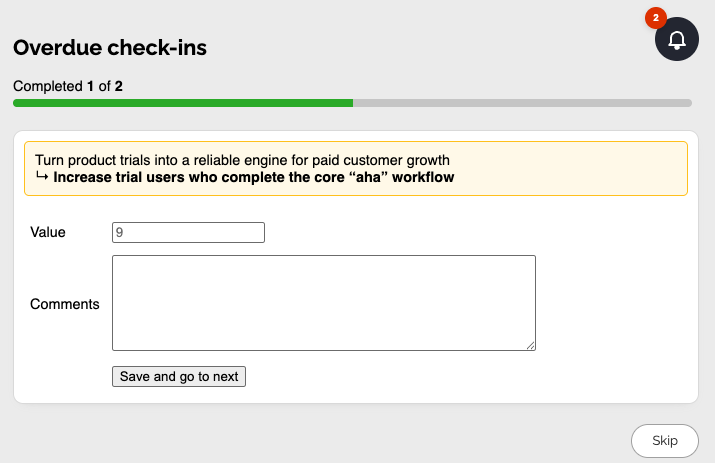
Regular Check-ins keep everyone up to date with delivery
A good OKR process needs regular monitoring and inspection to ensure things are on track and to make decisions or pivots when something needs changing.
Teams record the status of their KRs at regular intervals, with a Check-In. This adds up to a complete history for that KR, and can be reviewed in by the rest of the team or leadership and stakeholders to deep dive on progress.
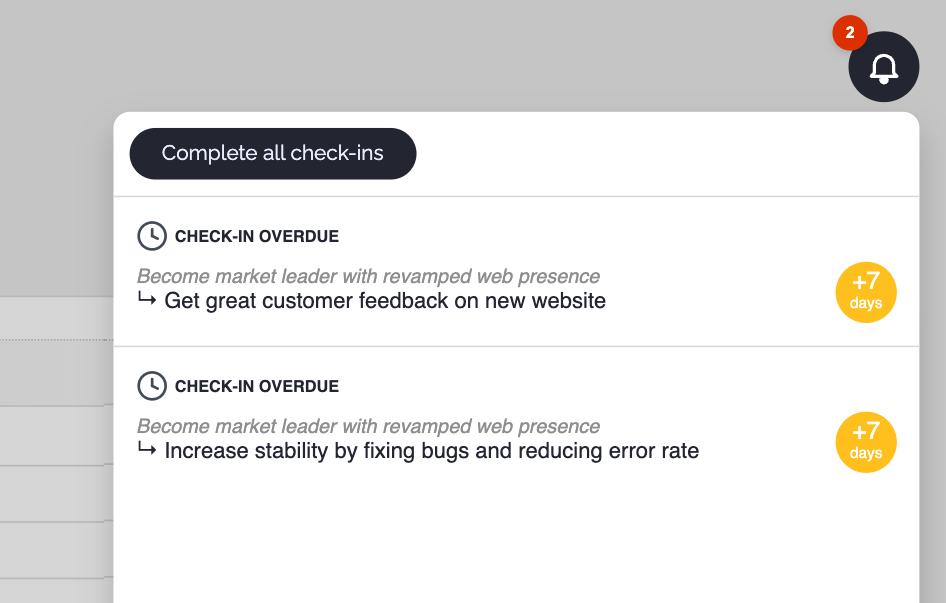
Effective reminders build good habits
Without Check-Ins, your entire Company is running blind. You've got to build the habit.
Our OKR software helps your team build that habit with multi-layered reminders to prompt owners to do their Check-Ins on time.
These reminders can be customised to suit your team's working style and are carefully designed to create just enough noise to trigger action, not avoidance.
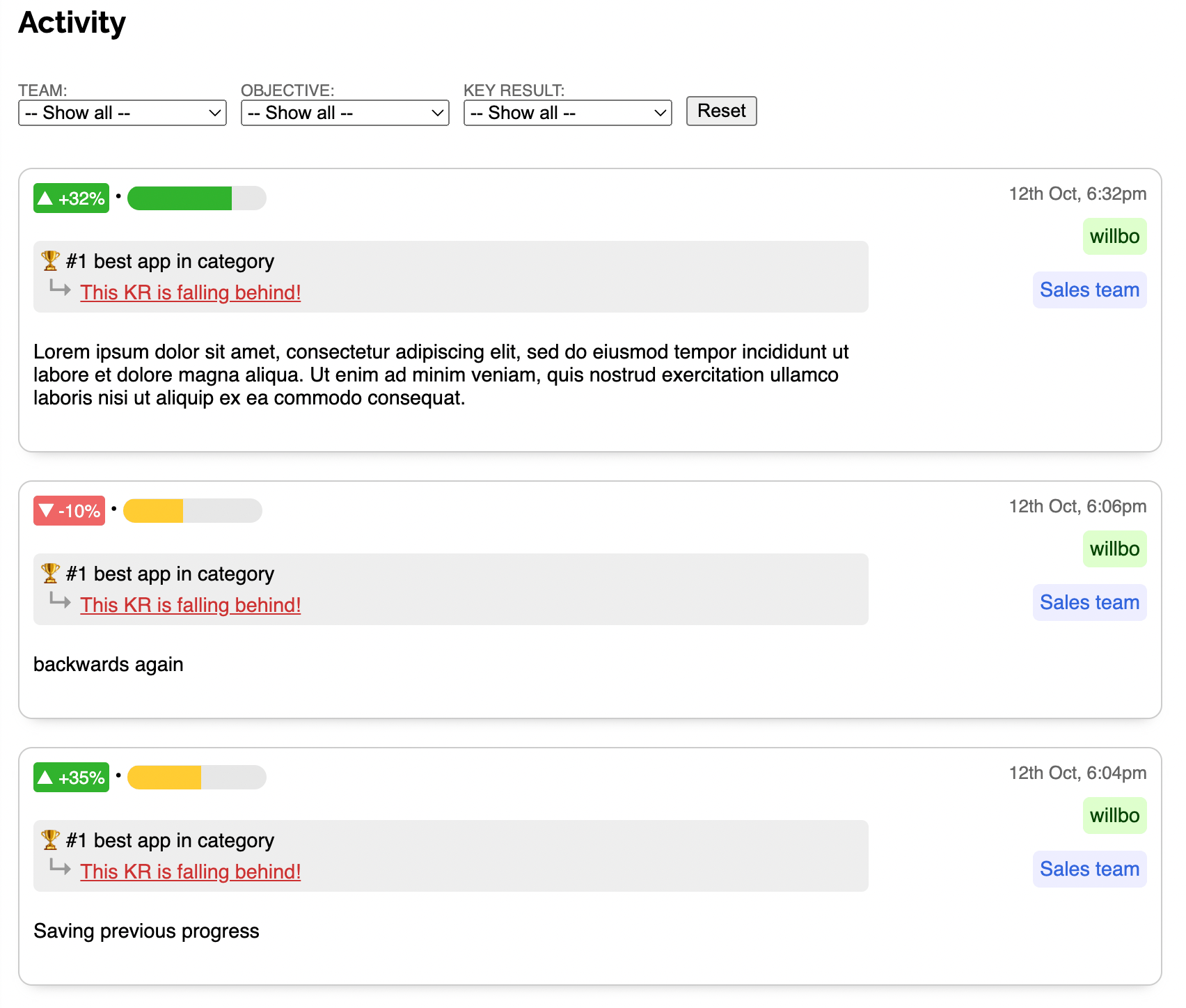
Stay on top with a real-time Activity Feed
Never miss anything and keep your finger on the pulse with our filterable view of all Check-Ins.
Narrow down to the Team or Objective that is most relevant to you. Or just browse the full list of all updates happening across your org.
Colour coding shows whether each update has moved in a positive or negative direction so you can see straight away if something needs attention.