February '26
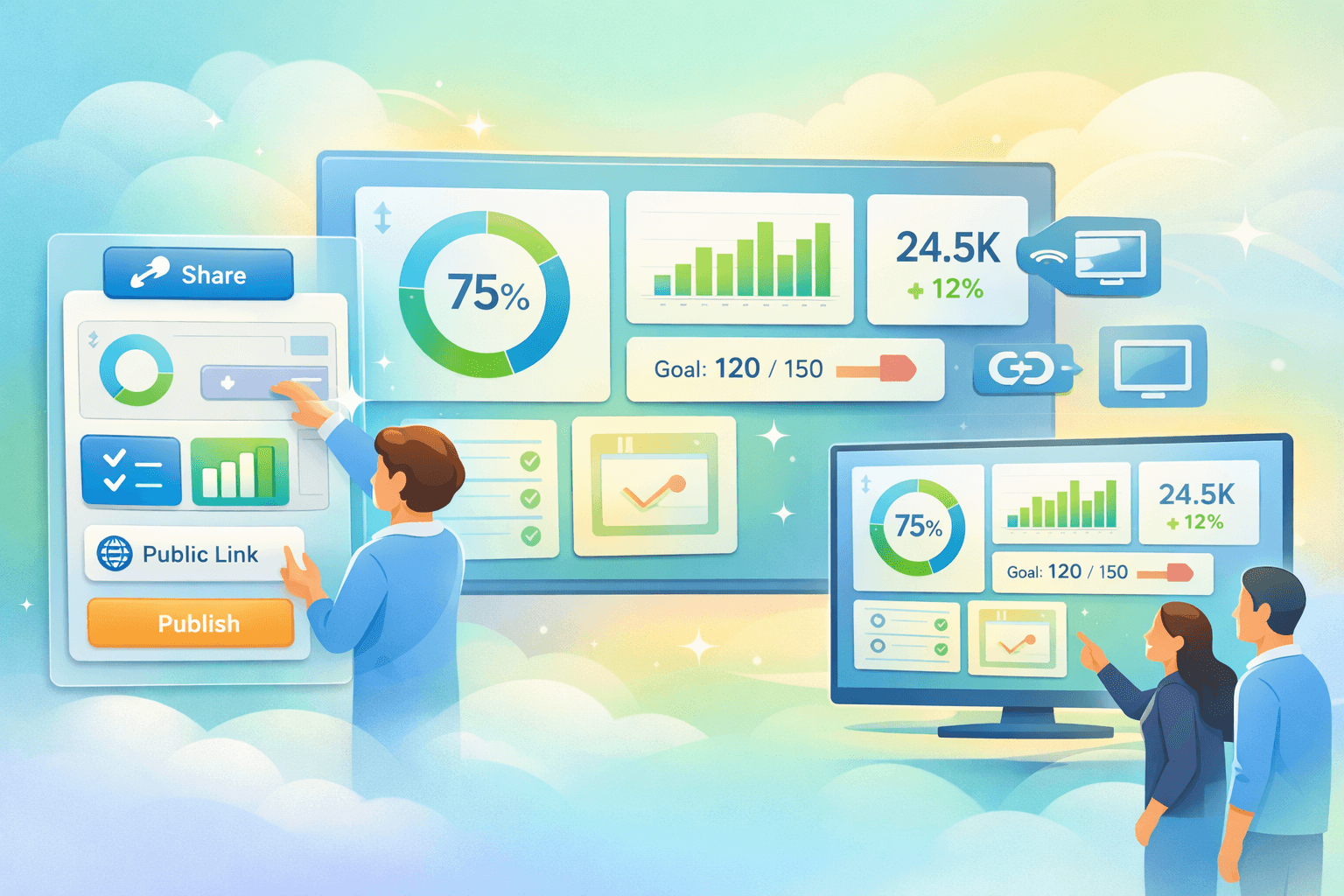
Custom Dashboards
One of the most common symptoms we see with OKRs is information overload.
Leaders want visibility. Teams want context. But when everything is displayed at once, the result is often the opposite: a wall of information that’s hard to scan and difficult to use in real conversations.
Previously, OKR Dash had a single default dashboard per cycle that showed every OKR in that cycle. It looked good, but in practice it created a few challenges:
- Too much information on one screen
- Important signals buried among unrelated work
- Heavy scrolling, which made the view less useful on TVs or shared displays
The underlying cause is simple: different audiences need different views of the same OKR system.
Leadership might want a high-level company view.
A team might want to focus only on their own objectives.
A project group might want to track a specific cluster of related work.
So we rebuilt dashboards entirely.
Dashboards are now a first-class feature
Dashboards are now a core entity in OKR Dash, not just a default view.
You can create as many dashboards as you need, each showing a specific slice of the organisation’s OKRs.
Examples include:
- Company-level objectives only
- Everything owned by a particular team
- Everything owned by a specific person
- A curated group of related OKRs across teams
- A project-focused dashboard for a specific initiative
Instead of one giant view of everything, you can now create purpose-built dashboards that match how your organisation actually works. Start with better OKRs—try AI-powered suggestions.
The result is clearer signals, faster understanding, and dashboards that are genuinely useful in meetings and day-to-day work.
Simple to create
Dashboards now have their own place in the app.
You’ll see a new Dashboards item in the main menu.
Inside, you’ll find a list of all existing dashboards across your organisation.
Creating a new dashboard is straightforward:
- Click Create Dashboard
- Give it a name
- Choose the OKRs you want to include
- Drag-n-drop to set the order of display
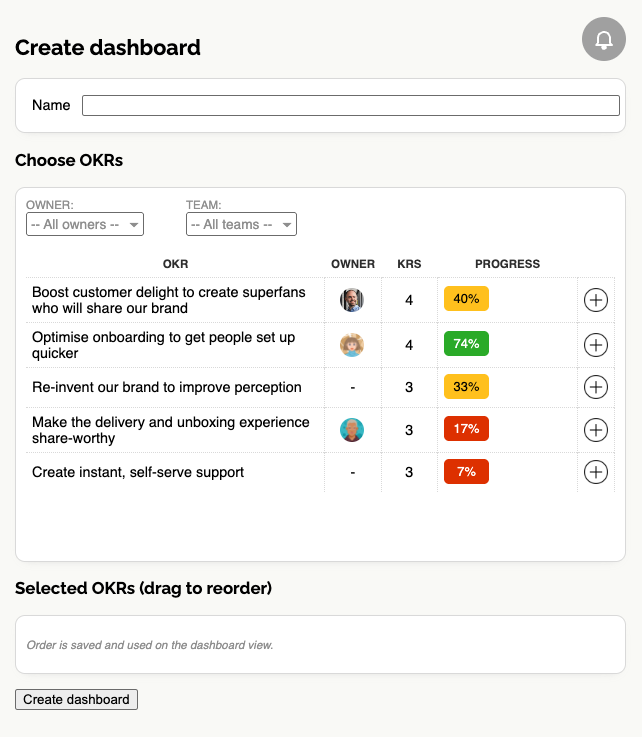
That’s it. Your dashboard is ready.
Because dashboards are simply curated sets of OKRs, they remain live and up-to-date, automatically refreshing to show any new updates as they happen.
Built for sharing
Dashboards are also fully public by design.
You do not need an OKR Dash account to view one.
Each dashboard has its own randomised URL, which means you can safely share it with:
- Leadership teams
- External partners
- Clients
- Board members
- Anyone who needs visibility into progress
This also makes dashboards perfect for big screen displays in offices or team spaces.
Just load the dashboard URL on a TV or shared monitor and it will always show the latest OKR progress without anyone needing to log in.
And don't worry - the links include a special token so nobody can see your dashboards by guessing the URL.
Turning OKR visibility into something useful
One of the biggest problems with OKRs is that visibility often arrives too late — buried in status slides or monthly rollups.
Dashboards move that visibility forward.
Instead of summarising progress after the fact, you can now create clear, focused views of the work that matters most, accessible to anyone at any time.
Try it in OKR Dash
Custom Dashboards are available now.
Create focused views for teams, leadership, or projects — and make OKR progress visible everywhere it matters.